
Turn any landscape video into vertical 9:16 clips
The Opus Clip alternative you buy once. Mark your own cuts, frame every angle by hand, export ready-to-post 1080x1920 MP4s locally with ffmpeg. No upload, no watermark, no monthly credits.
vs $29/mo for Opus Clip. Own it after one payment.
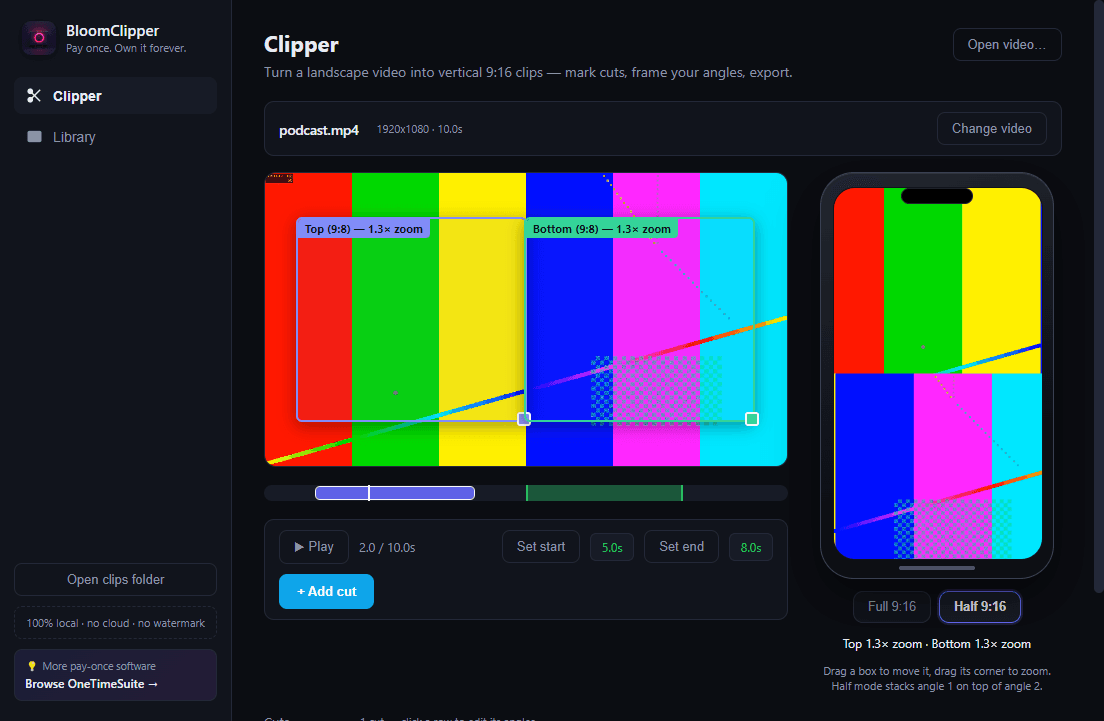
One panel to cut. One panel to see exactly what you'll post.
Left: your source video with a cut timeline. Right: a live phone-mock preview of the exact 9:16 output. That's the whole app.
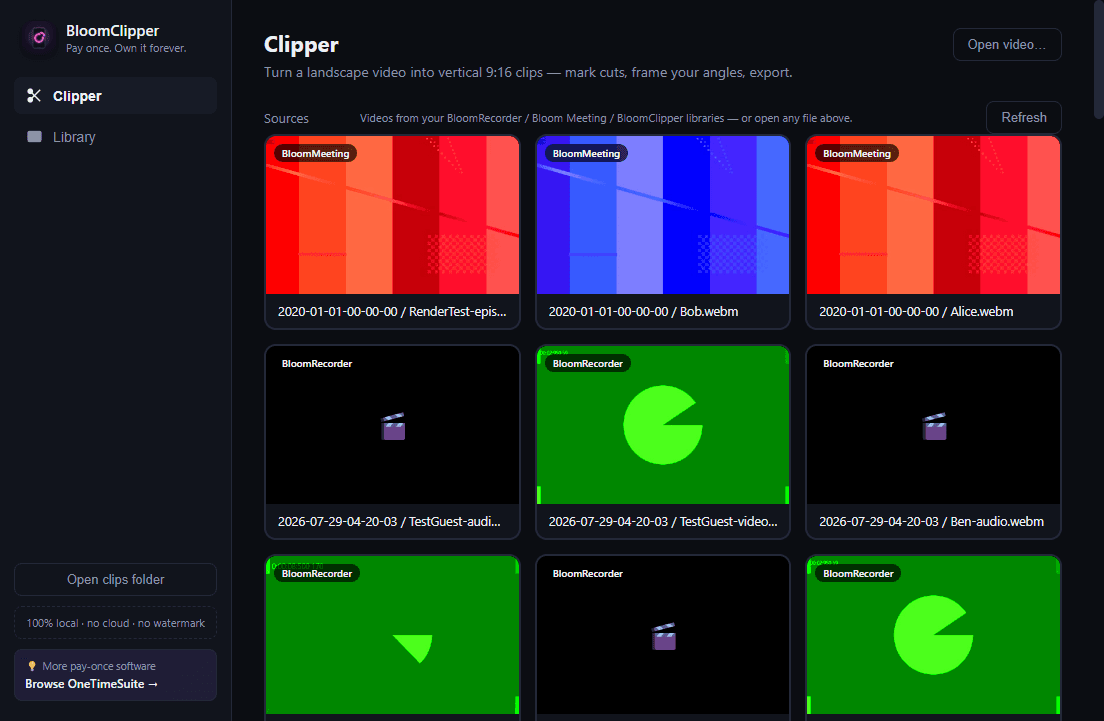
Mark your own cuts
Scrub the source timeline, hit Set start / Set end, and every cut becomes an editable row — tweak to the tenth of a second, preview in place, delete.
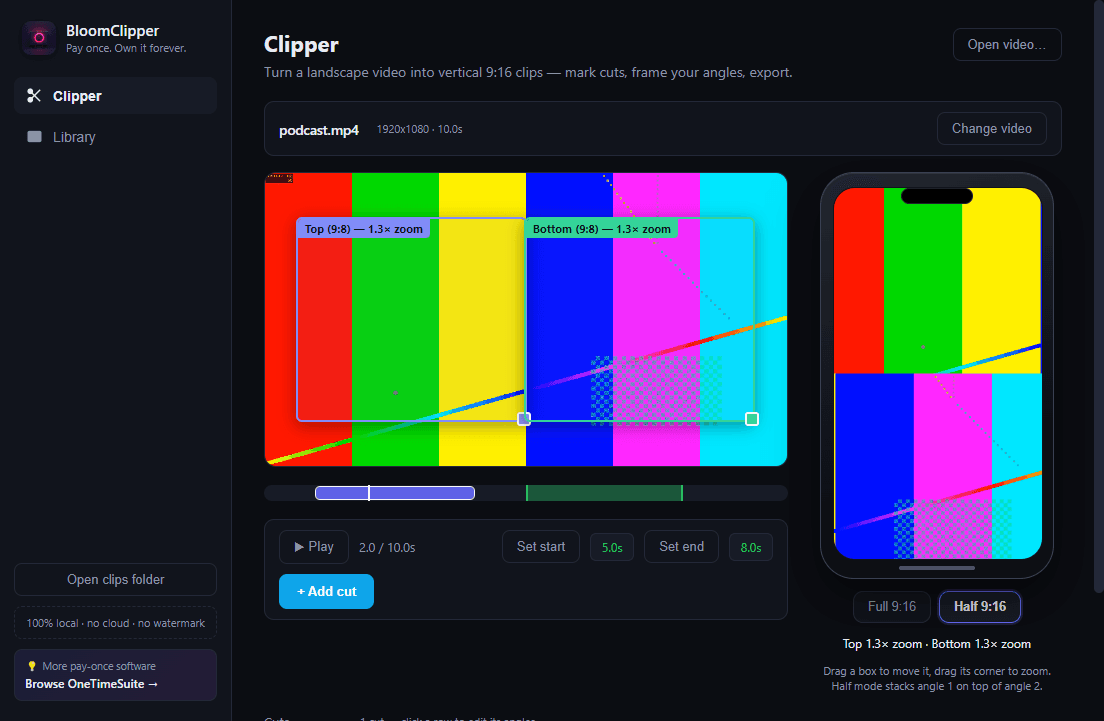
Full 9:16, your way
One draggable, aspect-locked, zoomable crop box per cut. Drag to move, drag the corner to zoom — a live readout shows exactly how tight you're framed.
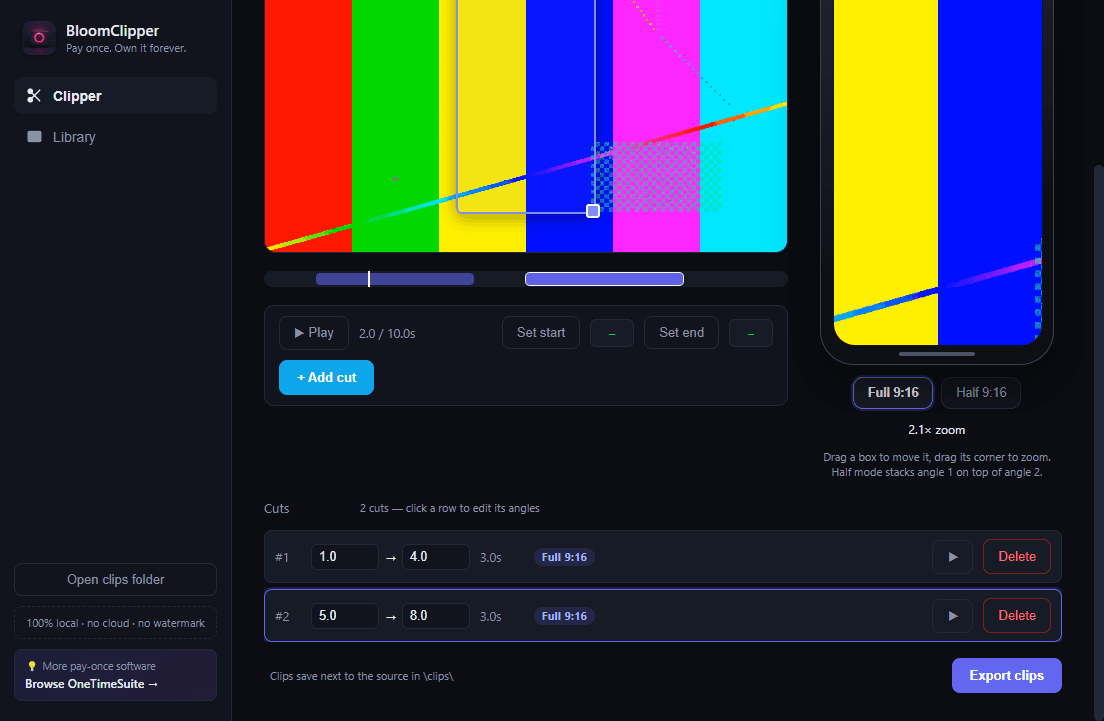
Half 9:16 for interviews
Two aspect-locked boxes, one per speaker. Bloom Clipper stacks angle 1 over angle 2 automatically — both faces visible, no whip-panning, no guessing.
100% local. No exceptions.
Your source video never leaves your machine. Cuts, crop framing, and the final 1080x1920 MP4 render all happen with a locally bundled ffmpeg — no upload, no cloud processing queue, no account required to render a single clip.
- ✓ Zero telemetry, zero network calls to cut or export
- ✓ Reads straight from BloomRecorder / Bloom Meeting libraries, or any video file
- ✓ No watermark on any export, ever
- ✓ No monthly credits or processing-minute caps
One price. No meter.
Compare that to what a subscription clipping tool costs over a year.
- ✓ Own it forever, one payment
- ✓ Unlimited cuts, unlimited exports
- ✓ Full 9:16 and Half 9:16 interview mode
- ✓ 100% local rendering, no uploads
- ✓ No watermark, no credits, no meter
- ✗ $348+/year, forever, while you use it
- ✗ Metered minutes or credits, resets monthly
- ✗ Footage uploaded to a third-party cloud
- ✗ Auto-reframe only — no manual crop control
Frequently asked questions
Everything you need to know before you buy once.
Does my video ever leave my computer?+
No. Bloom Clipper reads the source file from your disk and renders every clip with a locally bundled ffmpeg. There is no upload step, no cloud processing queue, and no network call involved in cutting or exporting — the app works the same with your Wi-Fi off.
What's the difference between Full 9:16 and Half 9:16?+
Full 9:16 gives each cut one draggable, aspect-locked, zoomable crop box over your source — use it for a single speaker or any moment where one frame tells the story. Half 9:16 is for interviews: two aspect-locked half-height boxes, one per speaker, that get stacked automatically into a single 1080x1920 frame at render time, so both people stay visible without an awkward whip-pan.
Is this really a one-time purchase, or is there a catch?+
It's $29 once. No subscription, no monthly credits, no minute meter, no per-export fee. You install it, you own it, you can use it on as many of your own projects as you want, forever. If it's not for you, email support@onetimesuite.com within 30 days for a full refund.
Does Bloom Clipper automatically pick the clips for me like Opus Clip?+
No, and that's intentional. Bloom Clipper doesn't guess which moments are "viral" — you mark the cuts and frame each one, because you know your content better than an algorithm does. What it automates is the tedious part: exporting clean 1080x1920 MP4s with the crop, zoom, and (for interviews) speaker-stacking already applied.
What video formats and sources does it support?+
Any MP4, WebM, MOV, or MKV file on your machine. If you also use BloomRecorder or Bloom Meeting, Bloom Clipper automatically lists videos from those libraries as clip sources with thumbnails, so you can jump straight from a recording to clipping it.
Do exported clips have a watermark?+
Never. Every export is a clean 1080x1920 H.264 + AAC MP4 with faststart, ready to post, with no branding or watermark added.
What platform does it run on?+
Bloom Clipper ships as a Windows desktop app. Grab the latest installer from the Download page — it pulls directly from the GitHub releases, so you always get the current build.
Can I use it for client or agency work?+
Yes. The license is per purchase, not per seat or per project, so agencies and freelancers can clip unlimited client footage on a machine they own without a usage meter or commercial-use add-on fee.